Practices
Five ways to use Cymatica. None of them promises anything.
Cymatica is a tool for looking at sound. What you do with it is yours. These are the five ways I use it and the ones I've built into the app: two are guided practices (Meditate and Binaural), one is for producers (Active listening), one is for content creators (Create content) and one is a small ritual that needs nothing from the app but a tone (Intention ritual).
They all have one thing in common: a pure tone, a shape that follows it and a few minutes where that's all you do.
Guided practice
Breathe with the shape.
Qué es
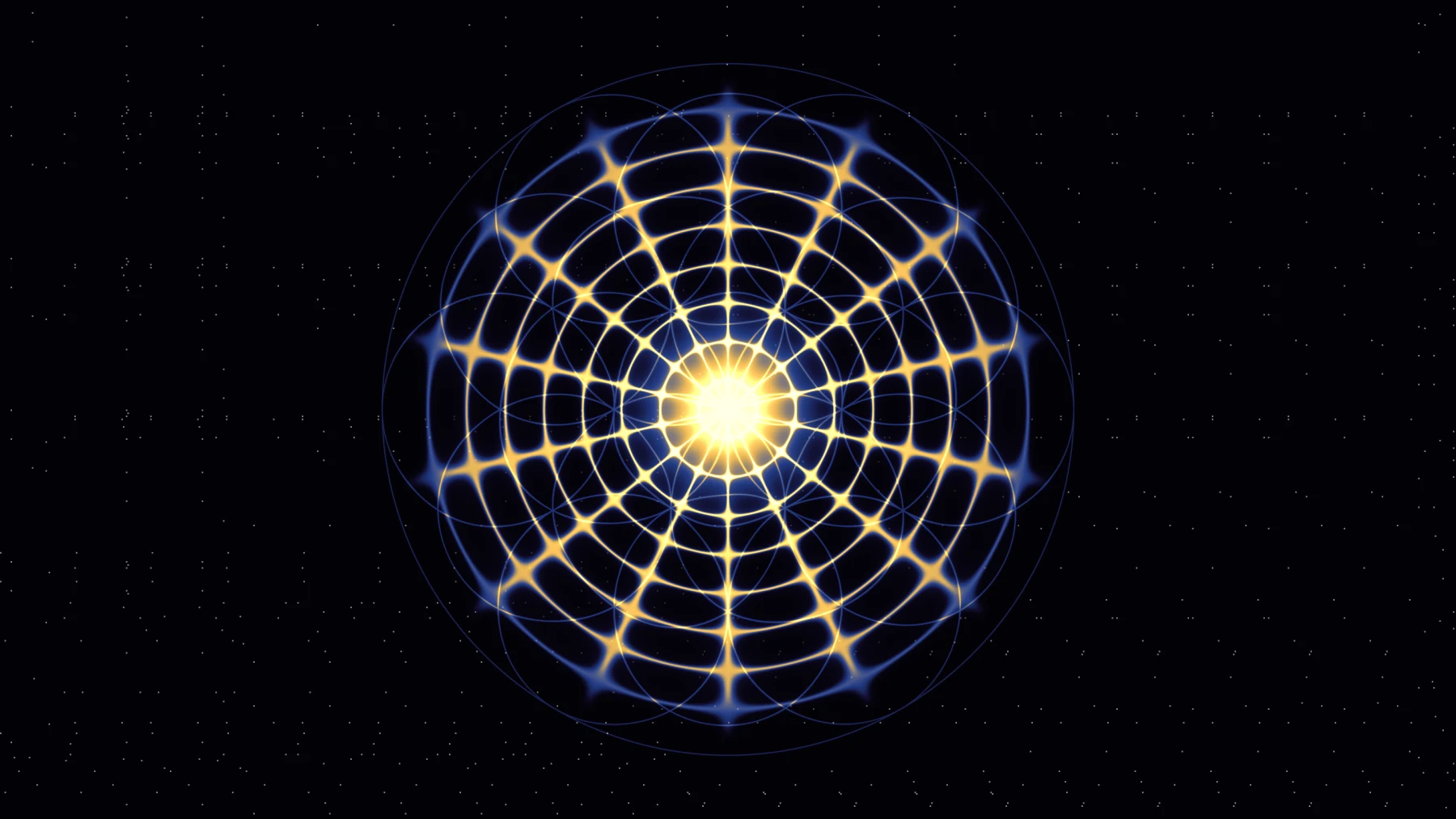
You pick a duration, a breathing pattern and a sound. The app guides you with a ring that expands as you inhale and gathers as you exhale, with the word at the center (Inhale, Hold, Exhale) and with the visual, which breathes with you: the geometry opens, detail rises and the tone gains a little volume on the inhale; everything gathers back on the exhale. On Android, a short vibration marks each change of phase. When you finish, the sound fades out over 10 seconds, a bell rings and a card with your session appears.
Los tres patrones
Coherent 5-5
Inhale 5 seconds, exhale 5 seconds. Six breaths a minute, no pauses. It's the simplest pattern and the only one available in the free version. Many people use it to open a practice because there's nothing to count but two equal beats. If you don't know which to pick, this one.
Box 4-4-4-4Pro
Inhale 4, hold 4, exhale 4, hold 4. Four equal sides, hence the name. The holds with the air in and the air out ask more of you than the coherent pattern; many people use it when they want a more demanding anchor. The visual stays still during the holds.
4-7-8Pro
Inhale 4, hold 7, exhale 8. The long exhale is what defines it. It's the slowest pattern (about 3 breaths a minute) and the one you notice most in the visual, because the geometry takes 8 seconds to gather back. If you run short of air at first, shorten it to 3-5-6 with the same proportion; the app allows it.
Cómo usarlo
- 01
Sit with your back supported or straight, the phone or the screen at eye level, without having to hold it.
- 02
Bring the volume down until the tone is clear and nothing else. Pure tones are more tiring than music.
- 03
Pick the duration. Start with 5 minutes. Go up only when 5 feel short, not before.
- 04
Pick the pattern. Coherent if you're unsure.
- 05
Pick the sound: tone (the preset frequency), binaural (Pro, with headphones) or silence (just the visual and the ring).
- 06
Press Start. Follow the ring. If your mind wanders off, come back to the ring. That's the whole practice.
- 07
When the bell rings, don't jump straight up: the app leaves 10 seconds of fade for that.
Sobre la racha
It counts the days in a row you've completed a session. If you skip a day, the streak goes back to zero and nothing else happens: no alerts, no guilt, no "you lost your 12-day streak". The counter is there so you can see your consistency, not so you feel bad when it's missing.
Guided practice · Pro
A pulse that isn't in either ear.
Qué es
A binaural tone is two tones: one in the left ear and one in the right, with a small difference between them. In Cymatica, the right channel plays at the preset frequency plus 4, 6 or 10 Hz. What you perceive is a slow pulse, at that difference, that exists in neither channel on its own: your auditory system builds it by comparing the two ears. That's why it only works with headphones. With speakers, the two tones mix in the air and what you hear is an acoustic beat, which is a different thing: it sounds similar, but it isn't binaural.
Qué no es
I'm not going to tell you what the pulse does in your head. There's a lot of marketing literature about this and very little certainty. What I do know is what you perceive: a soft, enveloping pulse that many people find easier to follow than a fixed tone. Use it for that, or don't use it.
Cómo usarlo
- 01
Put on headphones. Both of them. If one is loose, there's no effect.
- 02
Bring the volume down. Cymatica starts the binaural at -24 dB, lower than the normal tone, on purpose. Bring it up slowly until you hear it.
- 03
Pick the pulse: 4, 6 or 10 Hz. Start with 6. It's the one you perceive most clearly.
- 04
Pick the duration as in Meditate.
- 05
The visual does not flash at the rate of the pulse. Ever. It's a design decision, for photosensitivity and because a visual pulsing at 10 Hz is exhausting. You hear the pulse; the shape breathes with your pattern, not with the pulse.
Fixed notice in the appBinaural only works with headphones. Low starting volume. If anything feels uncomfortable, stop.
For producers
Look at your own music.
Qué es
Cymatica doesn't only play tones: it analyzes any audio. With the source set to Microphone or File (Pro), it detects the three main peaks of the spectrum and the level, and draws the cymatics of whatever is playing. A kick has a shape. A bass note has a shape. A chord has three shapes stacked on each other, fighting over the plate. After seventeen years producing, seeing the spectrum as a shape instead of as bars taught me things about bass I hadn't heard.
Cómo usarlo
- 01
In Studio, Sound tab, next to Listen, pick File and load a stem or a track. Or use Mic with your interface output routed into it.
- 02
In the Analysis tab, leave Spectrum on (key S). You'll see the spectrum with the three detected notes and their deviation in cents.
- 03
In the same tab, set Low range and High range to decide which range gets spread across the vibration modes. For a bass, 40 to 200 Hz. For a voice, 100 to 1000.
- 04
Raise Sensitivity if the shape barely moves; raise Smoothing if it shakes too much.
- 05
Switch modes. Chladni to see the harmonic structure; XY to see the relation between the two strongest peaks; Water for the envelope.
Tres cosas que se ven mejor en Cymatica que en un analizador
- ·
If your bass and your kick are in tune with each other, the shape holds still on the hits. If they aren't, it jumps mode on every hit.
- ·
A chord with just intervals (3:2, 5:4) draws closed curves in XY. With equal temperament, the curves turn slowly: that's where you see the difference in cents.
- ·
The tuning of a sample: if it says A and Cymatica reads "A4 + 23 cents", the sample is 23 cents out. The detector has an error of 0.003 cents on pure tones, so what it tells you is what's there.
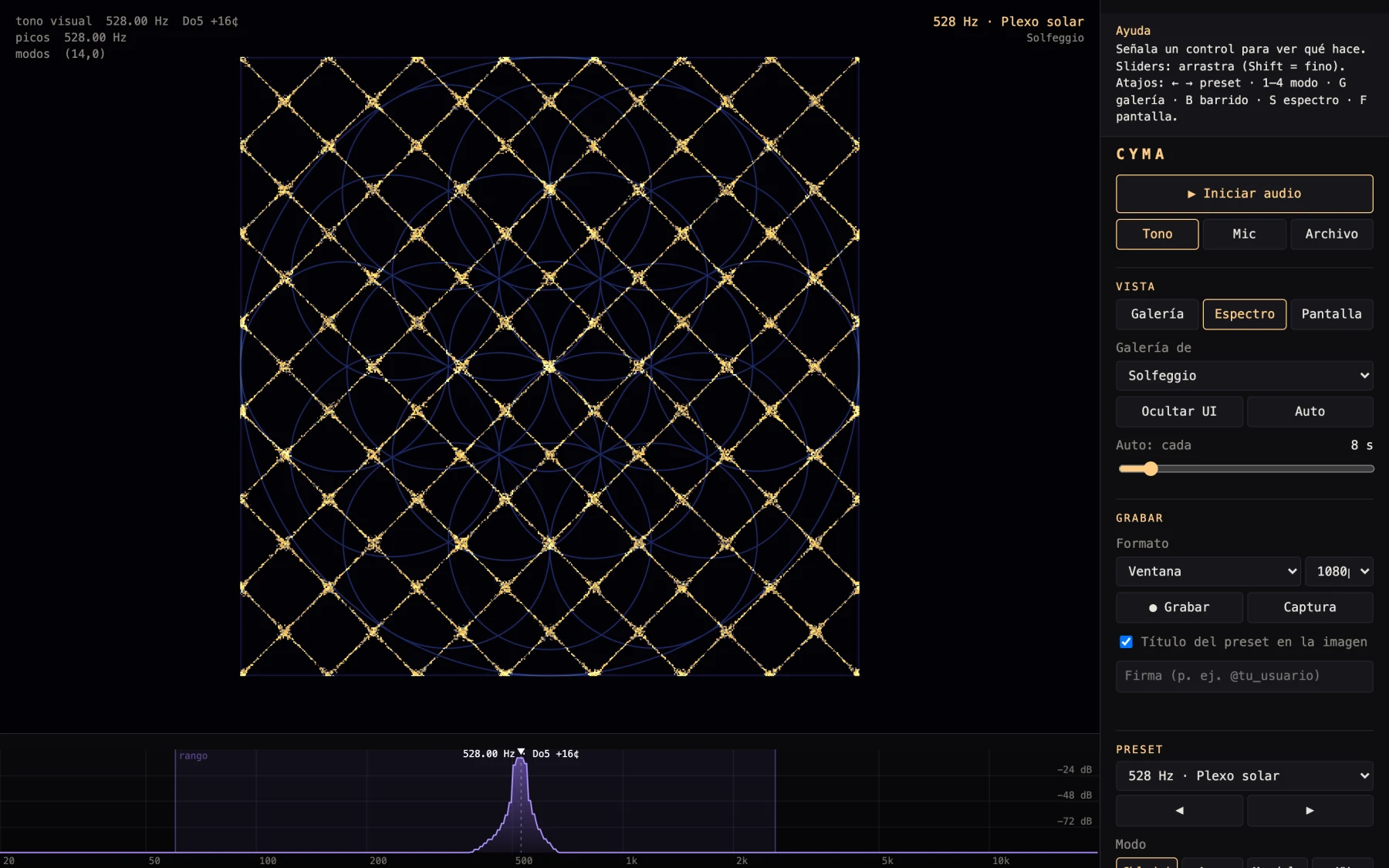
With Abletonthe Cymatica device for Ableton does the same thing inside Live 12 Suite, on any track, without exporting anything.
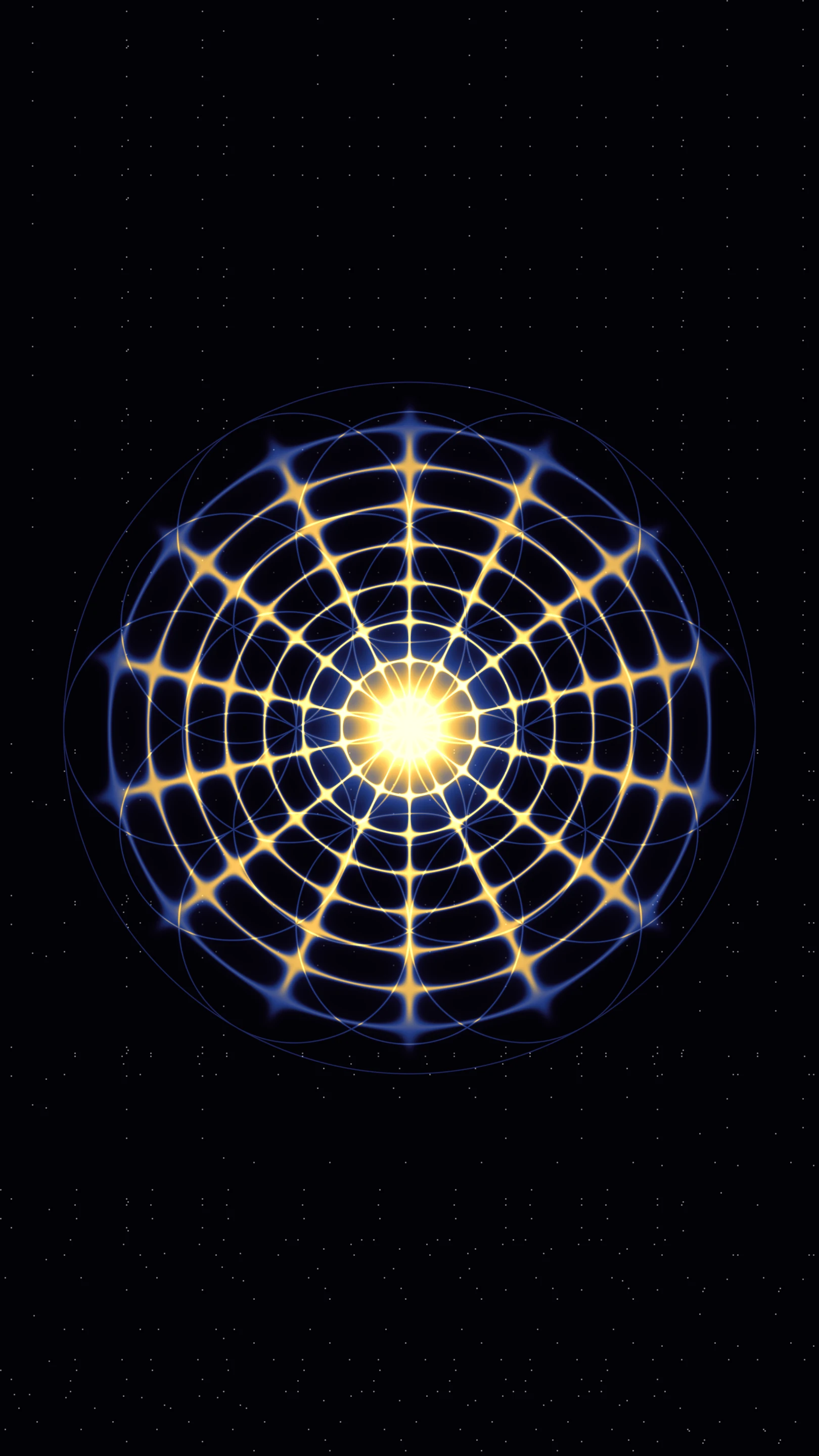
An idea that worksrecord the move from 396 to 417 Hz (one semitone) by dragging the slider. The shape breaks and rebuilds in two seconds. Caption: "21 Hz of difference". Nothing else.
For creators
A reel in five steps.
Qué es
The Cymatica visual comes out of a frequency, not out of a template, so no clip is the same as the one before. Export in 9:16 (reels, TikTok, Shorts), 1:1, 4:5 or 16:9, up to 4K, MP4 with audio. In 9:16, the safe zone guides mark on screen where the destination app puts its text and its buttons, so you can keep the shape out of those areas. The guides don't show up in the image or in the video.
Flujo en cinco pasos
- 01
Pick the preset and the mode. One with movement: Water or Mandala work better vertically than Chladni. A preset with a name (639 Hz · Heart) also hands you the on-screen text without you inventing it.
- 02
In Studio, Output tab, pick Vertical 9:16 (reels) and leave the safe zone guides on. The box marks what stays clear: top, bottom and right is where the destination app puts its text and its buttons. Keep the shape inside.
- 03
Record (Record or the R key) and, if you want, hide the interface (H key). The red recording indicator stays visible even with the interface hidden, so you know it's rolling. Record between 8 and 15 seconds: changing the frequency live (drag the slider slowly) is the best hook.
- 04
Export. 1080p with the "CYMATICA" mark on free, up to 4K with no mark on Pro. Add your signature if you want: on free it sits alongside the mark; on Pro it goes alone.
- 05
Publish with your own audio. A pure tone doesn't work as reel audio: use an ambient or a slow techno track of yours and leave the tone as a low layer, or drop it. In the caption, say the frequency and what you see, not what it "does".
Free practice
One tone, one line, five minutes.
Qué es
A ritual is a simple action you repeat with intention. It doesn't ask you to believe in anything; it asks to be done the same way every time. This one is mine, and it's what sits behind The Path. You can do it with any preset, though the nine Solfeggio come with a name that helps you choose.
Pasos
- 01
Pick the frequency by the name, not by the number. What's today about? Forgiveness, Root, Throat. Pick the one that sounds right, without thinking about it too much.
- 02
Write one line. Present tense, first person. "Today I say what I think." "Today I let go of what isn't mine." Keep it close; the app will ask you for it when you start a level of The Path.
- 03
Put the shape in front of you and bring the volume down. Any mode and layer you like. Bring the volume down until the tone is almost at the edge of audible.
- 04
Breathe for five minutes following the ring. With the line in your head on the inhale and nothing on the exhale. If it drifts, come back.
- 05
Close with the question. When the bell rings, answer "What did you notice?" in one line. Not what you expected to notice: what you noticed. Keep it or don't. The ritual is in doing it, not in the record.
Por qué funciona para mí
For years the only way I had to stop was a booth and a sound system. This is the same thing, at the scale of a room: a sound that fills the space and a shape that follows it. It doesn't pretend to be more than that.